A custom Android TV launcher for the Philips PUS8804
KO TV. Your television, without the noise.
KO TV is a custom launcher for Android TV: it replaces the home screen the television ships with and runs on the system that is already there. The home screen shows your apps and your inputs, and nothing else. No ad rows, no reports sent home, nothing running behind your back.
The film could not be loaded. Check your connection and try again.
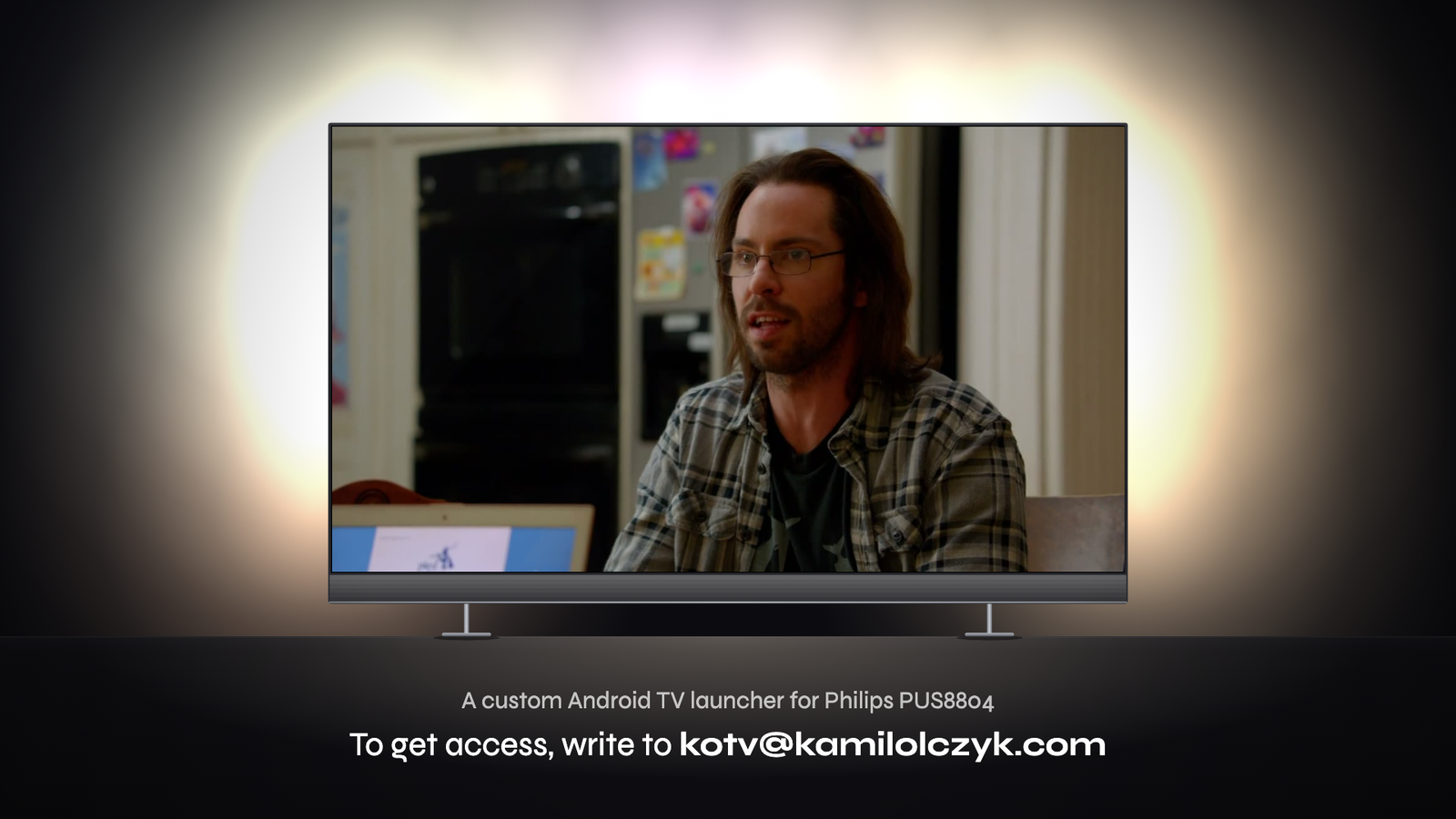
Film description: KO TV, 88 seconds, with music, sounds and the sound of the clip, no voice-over. A Philips PUS8804 television stands in a dark room. It switches on, the KO TV logo draws itself and a loading bar fills. The home screen appears on a dusk mountain wallpaper, with three horizontal glass boxes: apps (YouTube, Netflix, Prime Video, HBO Max, TiviMate), sources and quick settings. The remote changes the wallpaper to an aurora; the light on the wall behind the television follows. Then HBO Max starts and a one-minute trailer of a series plays. A side menu named Ambilight slides in and the remote switches the light to Vivid, Hot lava and Deep water, then back to Follow video, where the wall takes the colours of the edges of the picture. The television turns around: on its back are LED strips on the left, top and right, and a subwoofer at the bottom. It turns back and the clip goes on. The text appears: to get access, write to kotv@kamilolczyk.com. Then the television switches off: the picture folds into a line and a dot, and the red standby light comes back.
88 seconds: power on, the KO TV logo, the home screen, Ambilight following a film, and the back of the set.
Three things change.
A home screen that does nothing until you ask.
The stock launcher keeps loading rows of recommendations, previews and banners. KO TV draws one still screen and waits for the remote.
- No autoplay previews and no animated banners
- No background refresh of recommendation rows
- The remote answers at once, even right after power on
What you watch stays in the room.
A television likes to report what is on the screen, which apps you open and for how long. KO TV blocks those reports at system level, before they leave.
- Viewing and usage reports are not sent
- No advertising ID is shared with apps
- Nothing to opt out of: it is off from the first start
Ads are stopped before the screen.
The filter is part of the system, not an app you have to install and keep alive. It works the same in every app and on the home screen.
- No sponsored tiles and no promoted rows
- Ad and tracking requests are filtered by the system
- One switch in Settings if a service needs an exception
One screen. Three boxes.
Everything is one or two presses away. The wallpaper is yours, and Ambilight follows it.
KO TV20:47
Good evening
Apps
- YouTube
- Netflix
- Prime Video
- HBO Max
- TiviMate
Sources
- Live TV
- HDMI 1
- HDMI 2
- Cast
- USB drive
Quick settings
- Ambilight
- Wallpaper
- Sleep timer
- Settings
Stock system and KO TV.
| Stock system | KO TV | |
|---|---|---|
| Home screen | Rows of recommendations and promoted content | Your apps, your sources, quick settings |
| In the background | Previews, refreshes, store services | Nothing until you press a button |
| Telemetry | On, with settings to search for | Blocked from the first start |
| Ads | Part of the interface | Filtered by the system |
| Ambilight | Follows the picture | Follows the picture, and the wallpaper |
| Your apps | Stay | Stay, as shortcuts on the first row |
Questions.
How is this possible?
The PUS8804 runs Android TV, and Android lets you replace the launcher: the app that draws the home screen and starts everything else. KO TV is such a launcher, with the system settings around it tuned to match. Nothing in the hardware is changed.
Which televisions does it run on?
One model for now: the Philips PUS8804, the 2019 set with three-sided Ambilight and the Bowers & Wilkins sound bar. KO TV is tuned for that screen and that remote.
Do my apps keep working?
Yes. KO TV changes the home screen and what the system does in the background. YouTube, Netflix, Prime Video, HBO Max, TiviMate and the rest open as before.
Is it a finished product?
No. KO TV is a Box KO Lab project: an idea built far enough to live with every day. Access is given by hand, one television at a time.
How do I get it?
Write to kotv@kamilolczyk.com and say which size of the PUS8804 you have. You will get an answer from a person, not a form.